· Updated · 9 min read · Maus Team and Maus Team
Managed Hermes Agent hosting compared, plus the free option
Nous now hosts Hermes itself; Hostinger, xCloud, Cloudways, and Elestio sell managed Hermes. Prices, what a managed workspace means, and a no-server option.
Managed Hermes means someone else runs the agent and keeps its folder alive. Nous Research now does that itself with Hermes Cloud, billed per day to your Portal credits, and Hostinger, xCloud, Cloudways, and Elestio sell the same thing from $5.99 to $79.99 a month, and an independent Hermes cloud charges $49. Pay for it if you want Hermes on Telegram or WhatsApp around the clock without being its sysadmin. The option most lists skip is an agent that never needed a server: Maus runs on the Mac, PC, or Ubuntu box you already own, asks before it acts, and moves to a server with one command if you ever want always-on.
What "managed Hermes" is
Hermes Agent is Nous Research's open-source agent: MIT licensed, about 249,000 stars, launched February 25, 2026. It is one always-on agent that learns its own skills, remembers across sessions, and answers you on Telegram, Discord, Slack, WhatsApp, Signal, email, and a dozen more gateways. The README says to run it on a $5 VPS. Managed Hermes is someone else doing that: they run the process, keep it updated, and hand you a dashboard and a pairing code.
Two things make the Hermes market different from OpenClaw's. First, the project sells hosting itself: Hermes Cloud on Nous Portal is "an always-on autonomous agent in the cloud" whose server costs "bill straight to your credit balance." Second, Hostinger gave the category its name when it launched Managed Hermes Agent on June 9, 2026, and it owns the search results for it.
And what a "Hermes managed workspace" is
Nobody sells a product by that name. Three real things collide in the phrase:
- The state folder. Hermes keeps everything in
~/.hermes:config.yaml,SOUL.md, memories, skills, cron jobs, sessions, and a SQLite index. The configuration docs use "workspace" only for the Docker mount and the working directory whereAGENTS.mdis read. - Hermes Cloud's wording. Nous describes the hosted agent as living in a "dedicated, persistent workspace" where files, memory, and configuration build up over time. That is the state folder, hosted.
- Hermes Workspace, the UI. A third-party web interface for Hermes with about 6,700 stars, which Hostinger also sells as a VPS template. Its own managed cloud is listed as coming soon.
Whichever one you meant, the hosts below give you the thing people actually want: a Hermes whose folder persists on a server someone else keeps running.
Why people pay for it
- Being the sysadmin. The install is one curl command, but a Hermes that lives on a server needs Python 3.14, a process that survives reboots, and a gateway for each chat app. Hostinger's tutorial recommends 2 CPUs and 8 GB; smaller boxes work with API models; memory and skill bloat is a known complaint.
- Exposure. Hermes's web UI turns up in internet scans: Hunt.io counted roughly 5,900 scan events a month against it and 575 exposed results folders in July. Reported the same month: a Thai finance ministry was attacked by a Hermes instance running unattended in YOLO mode. The project has logged 39 CVEs between April and September 2026, mostly medium severity. A host that keeps the UI off the public internet is worth paying for.
- Credits and keys. Nous Portal is metered dollars, not a flat rate: Plus is $20 for $22 of credits, Super $100 for $110, Ultra $200 for $220. Hosts either bundle credits (Hostinger via nexos.ai) or make you bring a key (xCloud, Cloudways). Either way the model bill is separate from the hosting bill.
- Windows. Native Windows is a first-tier platform now, and Hermes Desktop ships for macOS, Windows, and Linux. But an always-on Hermes on a Windows laptop is still a laptop that has to stay open.
Managed Hermes hosts, side by side
Prices are what each provider's page showed on September 26, 2026. Model tokens or credits are extra everywhere.
| Host | Price | What runs where | Notes |
|---|---|---|---|
| Hermes Cloud (official, Nous Portal) | Medium $0.56/day running, Large $1.09/day; $0.03/day stopped; billed to Portal credits | Nous runs the agent; 2 GB / 4 vCPU or 4 GB / 8 vCPU | Needs $2 in credits or a Portal subscription; Telegram, Discord, Slack, Email, CLI; inference billed separately |
| Hostinger Managed Hermes Agent | $5.99/mo promo, renews at $11.99/mo on a 2-year term | Isolated container, security managed | Visual interface, CLI, Telegram pairing, Discord, Slack, WhatsApp, Signal, email; nexos.ai credits, or use your ChatGPT subscription |
| xCloud | $9.99 intro, renews at $19.99 (6 GB); larger plans to $225 | Managed server | Bring your own model keys; no markup on LLM costs |
| Cloudways Managed AI Agents | $9.99, $19.99, $39.99, $79.99/mo | Managed server, isolated by default | Bring your own keys; Hermes listed as generally available |
| Elestio | From $16/mo | Dedicated instance | Backups, auto-updates, VS Code and terminal access |
| Railway community template | About $5 to $10/mo in compute, per the template | Your Railway project | Community-maintained, not managed; you own updates |
| OpenClaw Launch | Lite $3 first month then $6/mo; Pro $20/mo | 1 vCPU / 2 GB or 2 vCPU / 4 GB | Small AI credit allowance bundled |
| hermes-agent.ai Cloud | $49/mo, or $39/mo billed yearly | Their servers | States it is independent and not affiliated with Nous Research |
Three things to check before you pay. The renewal: Hostinger doubles to $11.99 and xCloud to $19.99. The credits: Hermes Cloud needs $2 in credits or a subscription before it starts, and a running instance bills every day whether you talk to it or not. And the migration path: Hostinger's support page says VPS migration is only offered within 30 days and there is no Hermes-to-OpenClaw migration.
The option that needs no server
Every host above exists because a Hermes that answers Telegram at 3 a.m. has to live on a server. Maus starts from the other end. It is a chat app on the computer in front of you, where every contact is a bot with its own model, its own computer, and an approval card before it acts. Bots run on the claude, codex, or grok CLI you already have installed, with your existing subscription. No gateway to expose, no credits to top up, no renewal. The app is free and Apache 2.0 licensed.
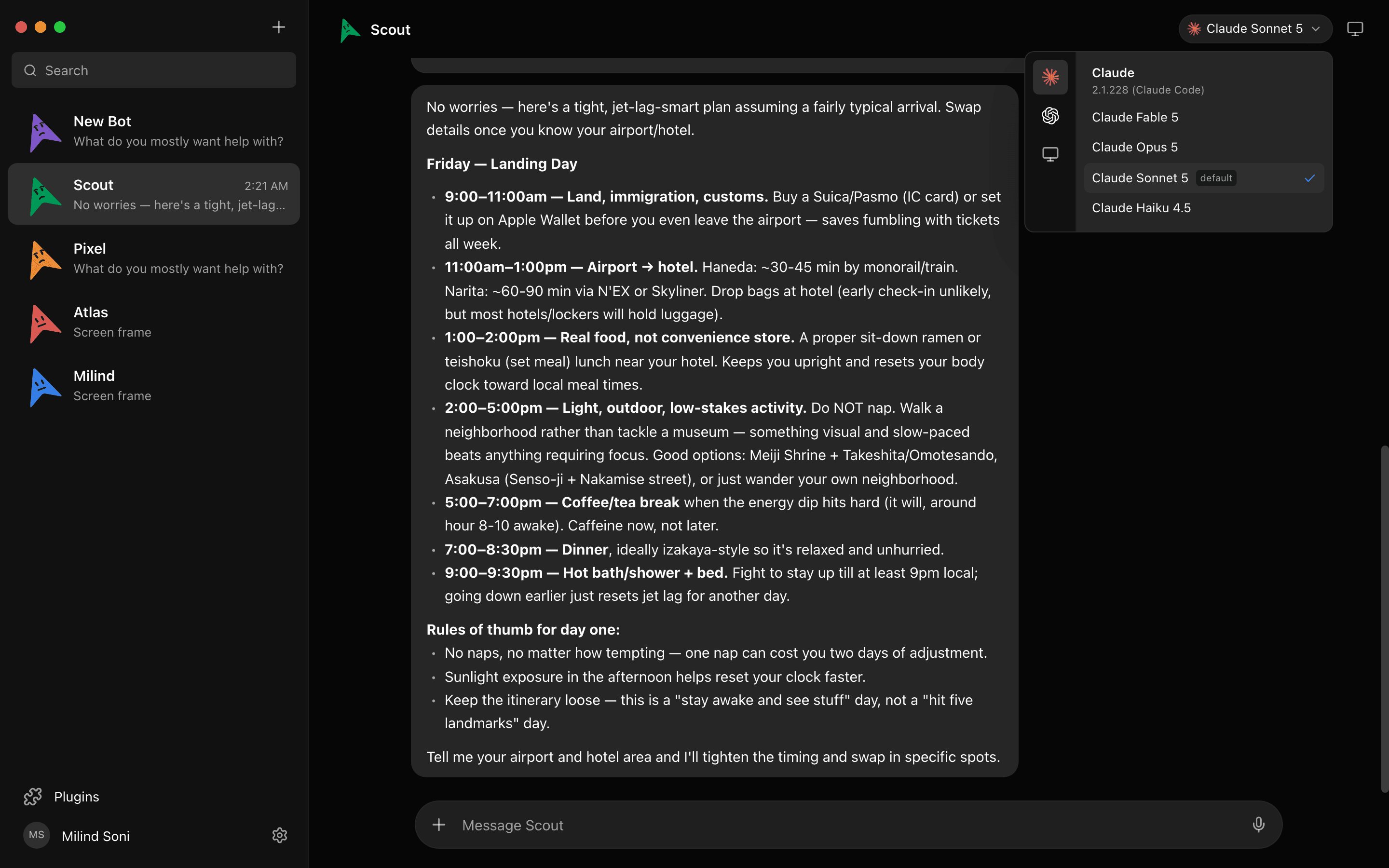
Try it. This is a live simulation of four bots working in parallel:
A simulation. Pick a bot, or type to it. The replies are scripted; the real thing runs on your own machine.
Asks before it acts
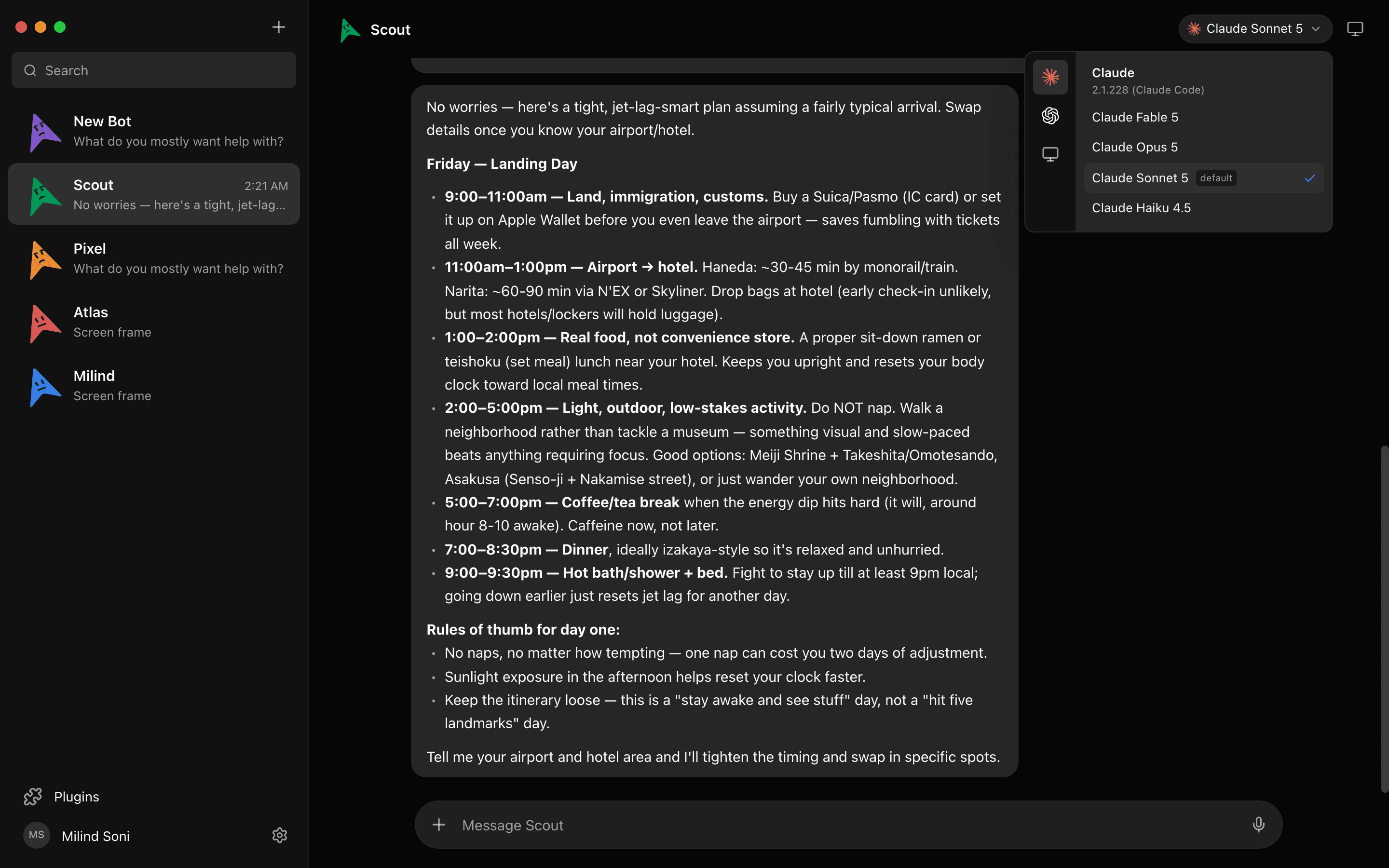
Hermes has good approval modes, and it also has --yolo, which is how the Thai ministry attacker ran it. Maus starts from the gate. Every shell command, file edit, and question surfaces as an Allow / Deny card in the chat, on your own machine and on a cloud desktop alike.
A team, not one agent with profiles
Hermes is one agent; profiles let you keep several isolated ones, each in its own home folder. Maus is a sidebar of them. One bot on Claude reads your inbox, one on Codex reviews pull requests, one on Grok watches a feed, each in its own chat with its own memory, and a group room lets them hand work to each other with a peer-comms approval card deciding who talks to whom.
Always-on, per bot or for the whole team
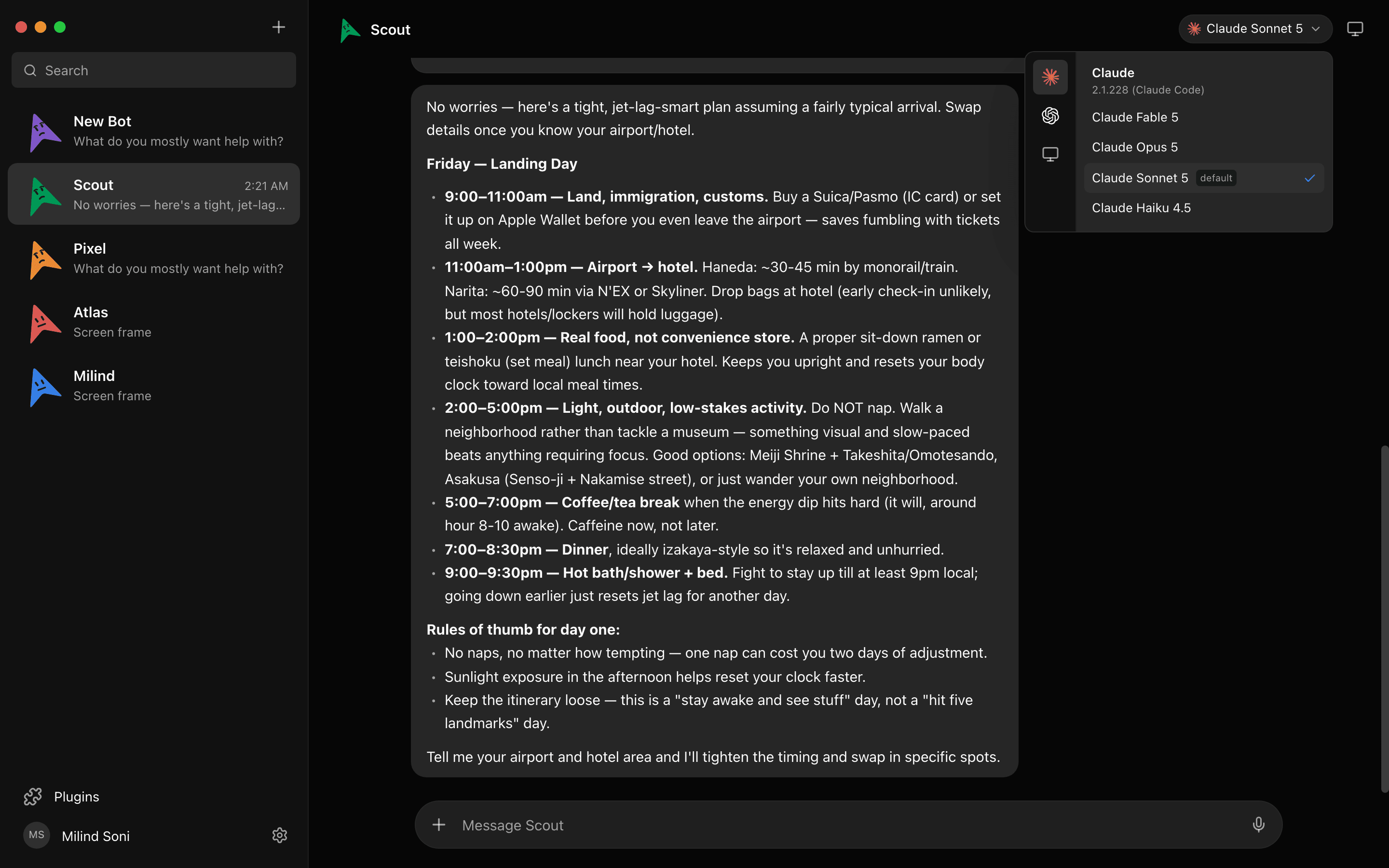
The honest case for a server is that a closed laptop runs nothing. Maus answers that in two sizes. Per bot: open the Computer panel and that bot gets a cloud desktop with a live preview, and it keeps working with your laptop shut. For the whole team: npx maus serve runs everything headless on a Linux box, with a managed Cloudflare tunnel at a c-….maus.com address, your own domain with Caddy handling the certificate, or Tailscale. The server trusts loopback only; every other route requires a device paired once with a short code. The VPS guide takes about twenty minutes. If you would rather not run a box at all, the Pro plan gives you a personal always-on cloud machine for your bots for $89 a month.

Hermes Agent vs Maus
| Hermes Agent | Maus | |
|---|---|---|
| Shape | One always-on agent you reach through chat apps | A chat app of bots, each with its own model and computer |
| Where it runs | A server (yours, a host's, or Hermes Cloud), or your own machine with Hermes Desktop | The computer in front of you; a server is optional |
| Models | Nous Portal (200+), OpenRouter, OpenAI, Anthropic, local | Claude, Codex, and Grok CLIs with your existing subscriptions, per bot |
| Before a shell command runs | Smart, manual, or off; --yolo skips all of it | An Allow / Deny card, every time |
| Multiple agents | Profiles: several isolated agents, each with its own home folder | Unlimited bots, in group rooms, side by side |
| Chat-app channels | Telegram, Discord, Slack, WhatsApp, Signal, email, and more | No; its own app with iOS and Android companions |
| Exposed to the internet | Only if you expose it; the web UI has been found exposed in scans | On the desktop, no: the harness listens on 127.0.0.1 only. On a server, every remote route requires a paired device |
| Always on | Yes, that is the point | Per bot, on a cloud desktop; or the whole team with npx maus serve |
| Desktop app | Hermes Desktop for macOS, Windows, Linux | macOS, Windows, Ubuntu |
| License, stars | MIT, ~249k | Apache 2.0, ~3.2k |
What managed Hermes still does better
Three things. Hermes lives inside the messaging apps you already use; Maus is its own app with iOS and Android companions, not a contact in Telegram. Hermes writes its own skills and remembers across sessions in a way that improves with use; Maus bots have memory per chat but do not author skills. And Hermes has a community about eighty times the size. If the job is "text my agent and it figures out the rest," managed Hermes is the right purchase; pick a host that keeps the web UI private and leave approvals on.
Which one should you choose?
Choose Hermes Cloud if you already pay for Portal and want the official path with one bill. Choose Hostinger if you want the lowest promo price with a dashboard and can live with the renewal. Choose xCloud or Cloudways if you want your own keys, and Elestio if you want backups and auto-updates on a dedicated instance.
Choose Maus if you want an agent today on the computer you already own, want it to ask before it acts, want several bots on several models, or want always-on without a public gateway. Our self-hosted agents roundup puts Hermes and Maus side by side with eight others, and the OpenClaw version of this post covers the other big self-hosted agent.
Frequently asked questions
- What is a Hermes managed workspace?
- Not a product name. Inside Hermes Agent the state folder is ~/.hermes (config.yaml, SOUL.md, memories, skills, cron, sessions), and the docs use workspace only for the Docker mount and the working directory. Hermes Cloud's page describes a dedicated, persistent workspace where files, memory, and configuration stay with the hosted agent. And Hermes Workspace, capital W, is a separate third-party web UI on GitHub. If you searched for a managed workspace, you almost certainly want hosting: someone running Hermes and keeping that folder alive.
- Is there an official hosted Hermes Agent?
- Yes. Nous Research runs Hermes Cloud through Nous Portal: an always-on agent billed per day to your credit balance, $0.56 or $1.09 a day while running and $0.03 a day stopped, with inference billed on top. Unlike OpenClaw, the project itself sells hosting.
- How much does managed Hermes cost?
- From $5.99 a month at Hostinger on a two-year term ($11.99 on renewal) to $49 a month at hermes-agent.ai. Hermes Cloud works out at roughly $17 or $33 a month if the instance runs all month, plus inference. Every option bills model usage separately or through credits.
- Is Hermes Agent safe to self-host?
- It ships real controls: approval modes, hard-blocked catastrophic commands, DM pairing codes, allowlists, and a recommendation to run tools in a container. It has also had 39 CVEs logged between April and September 2026, its web UI shows up exposed in internet scans, and an attack on a Thai ministry reported in July used a Hermes instance running in YOLO mode. Keep it behind Tailscale, keep DM pairing and allowlists on, and do not turn approvals off.
- Is Maus a managed Hermes?
- No. It is a different open-source project with a different shape: a desktop chat app where each bot has its own model, computer, and approval gate. It needs no server for the desktop case, and npx maus serve gives you an always-on server with a managed address, your own domain, or Tailscale, and pairing codes on every remote route; with the tunnel or Tailscale there is no open port at all.
- Can Maus use Hermes skills or reach Telegram?
- No. Maus does not run Hermes, its skills, or its chat gateways. It connects to apps over Composio and lives in its own app. If Telegram or WhatsApp must be the interface, stay with Hermes.
Get started in two minutes
No server, no signup, no credits. Download for macOS, Windows, or Ubuntu, sign in with the CLIs you already have, and meet your first bot. Or read the source on first. Everything on the features list is free, forever.