· Updated · 9 min read · Maus Team and Maus Team
Managed OpenClaw hosting compared, and the no-server option
Nine hosts sell managed OpenClaw, from $5.99 to $499 a month. What you get, the renewal traps, what a managed workspace means, and a free option with no server.
Managed OpenClaw means someone else runs the gateway for you. Hostinger sells it by that exact name for $5.99 a month, and at least eight other hosts sell the same thing from $10 to $499. It is worth it if you want OpenClaw on WhatsApp and Telegram around the clock without touching a VPS. The alternative most lists skip is an agent that never needed a server: Maus runs on the Mac, PC, or Ubuntu box you already own, with an approval gate, and moves to a server with one command when you want always-on.
What "managed OpenClaw" is
OpenClaw is a self-hosted agent: a gateway process on a machine you control, reached through WhatsApp, Telegram, Discord, iMessage, and more than twenty channels in all. The project sells nothing. Its homepage says "No subscription. No hosted tier. No token." So "managed OpenClaw" is always a third party: they rent you a server, install the gateway, keep it updated, and hand you a dashboard.
The phrase took off when Hostinger named a product exactly that. Their setup doc describes the deal: OpenClaw in an isolated Docker container, updates and security handled, models billed through nexos.ai credits, and pairing for Telegram, WhatsApp, Discord, or Hostinger Email.
And what an "OpenClaw managed workspace" is
If you searched for that phrase, Google probably sent you to OpenClaw's docs and left you confused. Two real things collide in it:
- The workspace is OpenClaw's name for the agent's home folder,
~/.openclaw/workspace, holdingAGENTS.md,SOUL.md,MEMORY.md, skills, and memory files. The agent workspace docs cover it, and the managed worktrees docs describe git checkouts the gateway owns per session. - Managed is the hosting word above. Nobody sells a product called a managed workspace; what people want is "my OpenClaw and its files, kept running by someone else."
Every host in the table below gives you that: the workspace folder persists on their server, they keep the gateway alive, and you talk to it from your phone.
Why people pay for it
Self-hosting OpenClaw is a real job, and the reasons show up in the same order in every thread.
- The exposed gateway. On a VPS, the gateway's default bind made tens of thousands of instances reachable from the internet; counts in 2026 range from 17,500 to over 100,000 depending on who scanned. CVE-2026-25253 turned that into one-click remote code execution, and ClawJacked let a malicious web page brute-force the gateway password from your own browser. A host that binds it correctly is worth paying for.
- Setup. The official VPS path is Tailscale, then lock down SSH, then onboard, then a systemd unit and memory tuning. Hostinger's own cost article lists "Docker, SSH, ports, server configuration, monitoring, and recovery" as what you are paying to avoid.
- Keeping it alive. Out-of-memory kills from cron concurrency, gateway restarts after updates, a Mac mini that stops answering until you open the Control UI.
- Windows. Tutorials are Mac-first. The native Windows install hits virtualization, PATH, and Unicode problems, and the consensus answer is "use WSL2." A hosted box sidesteps all of it.
Managed OpenClaw hosts, side by side
Prices are what each provider's page showed on September 26, 2026. Promotional prices are listed with the renewal price where the page states one. Model tokens or credits are extra everywhere.
| Host | Price | What runs where | Notes |
|---|---|---|---|
| Hostinger Managed OpenClaw | $5.99/mo on a 24-month prepaid term, renews at $11.99 | Isolated Docker container, updates handled | Models via nexos.ai credits; Telegram, WhatsApp, Discord, Hostinger Email |
| Elestio | From $16/mo, billed hourly | Dedicated VM | Backups, SSL, firewall, Tailscale, bring your own VM; ISO 27001 / SOC 2 / HIPAA listed |
| Cloudways Managed AI Agents | $9.99, $19.99, $39.99, $79.99/mo, hourly | Managed server | Bring your own keys; validated OpenClaw updates; no bundled credits |
| xCloud | $9.99 first month, renews at $19.99; larger plans to $225 | Managed server | Backups, SSL, described as patched and locked down |
| openclawai.io OpenClaw Cloud | $19.90 or $39.90/mo; less yearly | Firecracker sandbox | Tenant isolation, skill scanning, AI credits included; independent of the OpenClaw project |
| setupopenclaw.com | $19, $39, $79/mo | Dedicated Hetzner server in Germany | Daily encrypted backups; bring your own key or use credits |
| AgentClaw | $9.99/mo per agent, $99.99/yr | 1 GB RAM instance | Secrets encrypted at rest; Telegram and Discord |
| WPMU DEV | Bundled with hosting plans, $15 to $45/mo | From the WPMU DEV Hub | WAF, anti-bot, SSL, backups |
| ManagedOpenClaw.com | $199 one-off deploy; care plans $49, $199, $499+/mo | Dedicated VPS per client | SSH key-only, firewall allowlists, encrypted nightly backups |
Three things to check before you pay. First, the renewal: Hostinger doubles at renewal and xCloud does too. Second, where the dashboard sits: one review of the Hostinger VPS template found the dashboard on a public IP over plain HTTP by default, which is the exposed-gateway problem you were paying to avoid. Third, credits: OpenClaw's heartbeat checks in every 30 minutes, and on a credit-billed plan that runs the meter while you sleep.
The option that needs no server
Every host above exists because OpenClaw has to live on a server to be useful. That is a design choice, not a law. Maus takes the other route: a chat app on the computer in front of you, where every contact is a bot with its own model, its own computer, and an approval card before it acts. Bots run on the claude, codex, or grok CLI you already have installed, with your existing subscription. There is no gateway port, no VPS, and no renewal price, because there is no hosting. The app is free and Apache 2.0 licensed.
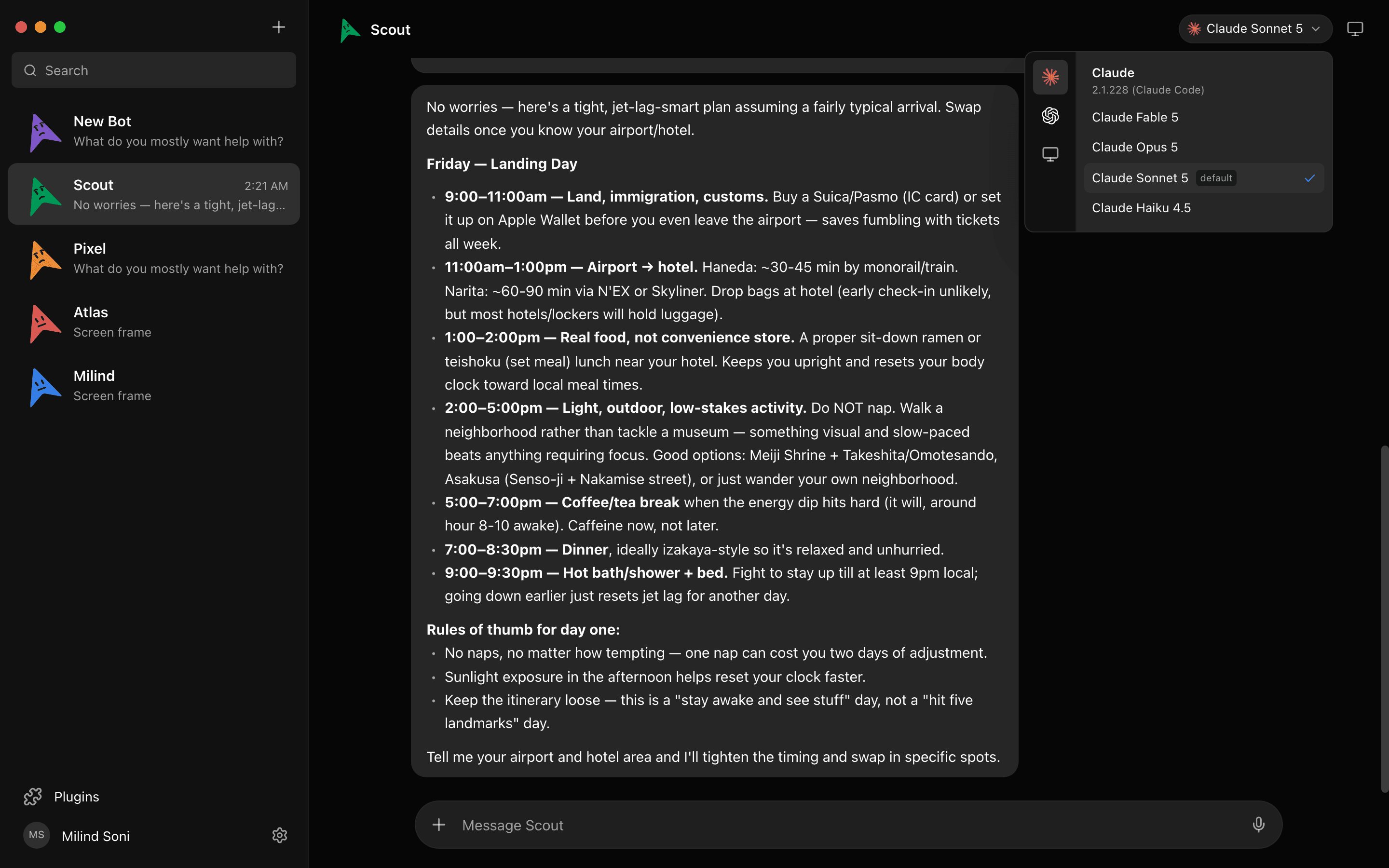
Try it. This is a live simulation of four bots working in parallel:
A simulation. Pick a bot, or type to it. The replies are scripted; the real thing runs on your own machine.
Asks before it acts
OpenClaw's exec approvals default to full on gateway hosts, which means shell commands run without a prompt unless you change it. Maus defaults the other way: every shell command, file edit, and question surfaces as an Allow / Deny card in the chat. Managed hosts harden the box; they do not change what the agent does once it is inside.
A computer per bot when you want always-on
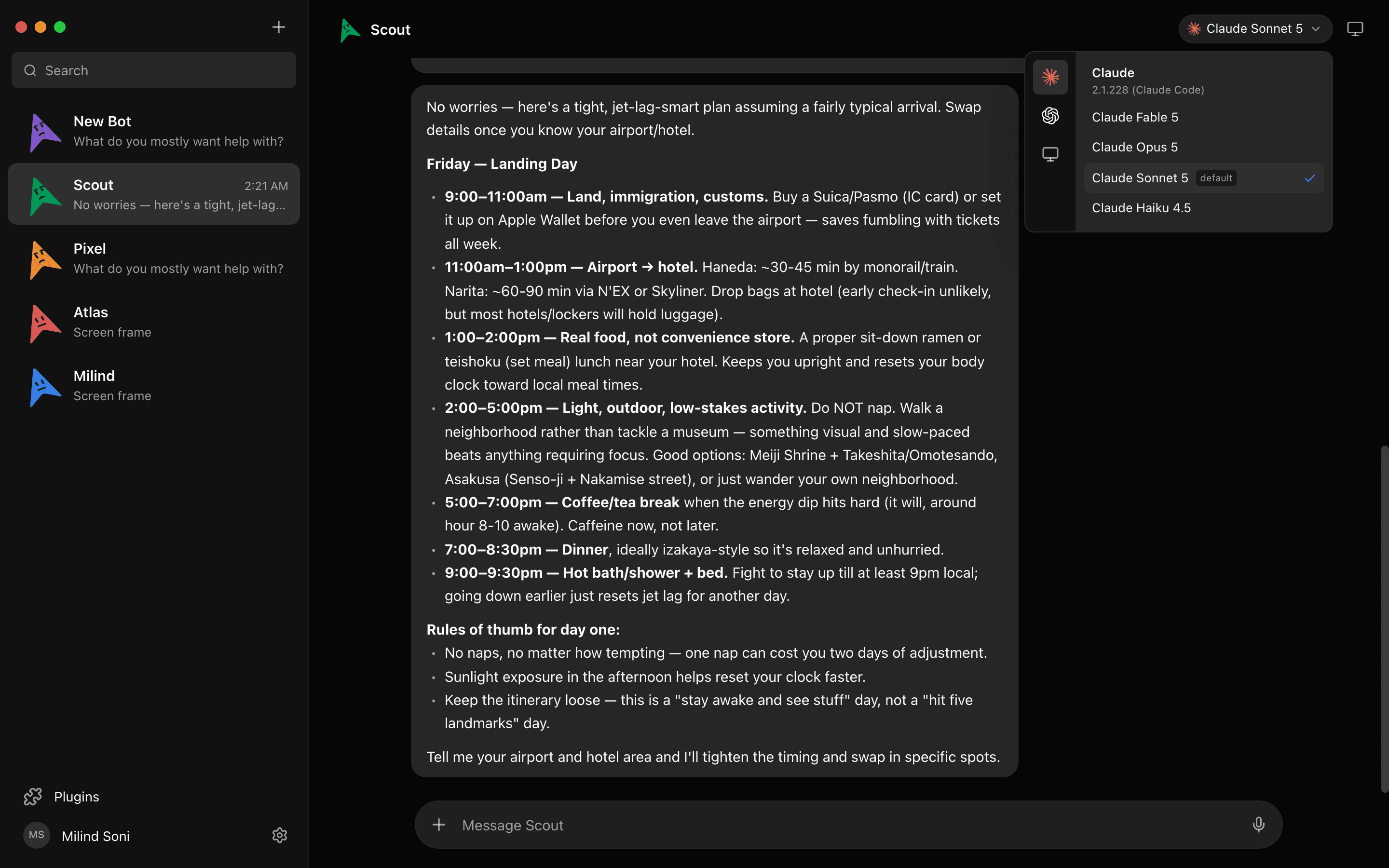
The honest reason to host is that a closed laptop runs nothing. When a bot needs to keep going, open the Computer panel and it gets a cloud desktop of its own, with a live preview and a take-over button. That bot works with your laptop shut; the others stay local. You choose per bot rather than moving everything to a server.

And when you do want a server, one command
If you want the whole team always on, the same app runs headless on a Linux box with npx maus serve. Engines, chats, rooms, routines, connected apps, and cloud computers all run server-side, so routines keep firing with every laptop closed. Three ways in, and only one of them needs a port open:
serve --tunnelgives the server a managed address likehttps://c-….maus.comthrough a Cloudflare tunnel, after an emailed sign-in code. No domain, no proxy, no port to open.serve --domain maus.example.comruns Caddy for you and gets the certificate from Let's Encrypt.serve --tailscalekeeps it on your tailnet and nothing is public at all.
The server trusts only loopback. Every other route lands on a separate listener that requires a paired device: you pair a phone or laptop once with a short code, and there is no password to brute-force. The VPS guide goes from a blank Ubuntu box to running in about twenty minutes, and the data stays in ~/.maus on that box. If you would rather not run a box at all, the Pro plan gives you a personal always-on cloud machine for your bots for $89 a month.
What managed OpenClaw still does better
Two things, and they decide it for some people. OpenClaw lives inside the messaging apps you already use; Maus is its own app with iOS and Android companions, not a contact in WhatsApp. And OpenClaw has ClawHub, a skill catalogue with no Maus equivalent, plus a far larger community. If the job is "text my agent on WhatsApp and it has a skill for everything," a managed OpenClaw host is the right purchase. Note that iMessage needs a Mac, and every host here runs Linux. Read the terms on the gateway bind and the renewal first.
Which one should you choose?
Choose a managed OpenClaw host if you are already an OpenClaw user, you want it reachable from WhatsApp or Telegram all day, and you would rather pay $10 to $40 a month than learn systemd. Elestio and openclawai.io have the most specific security pages; Hostinger is the cheapest on a long prepaid term.
Choose Maus if you want an agent today on the computer you already own, want it to ask before it acts, want more than one bot with more than one model, or want always-on without a public gateway. Start with the desktop app; move to serve later if you need to. Our OpenClaw alternative post has the full feature comparison.
Frequently asked questions
- What is an OpenClaw managed workspace?
- Two things get mixed up in that phrase. In OpenClaw, the workspace is the agent's home folder (AGENTS.md, SOUL.md, memory, skills), and the docs talk about managed worktrees, which are git checkouts the gateway owns per session. Managed OpenClaw, with a capital M, is hosting: a company such as Hostinger runs the gateway for you. If you searched for a managed workspace, you almost certainly want the second thing, and this post is about that.
- Is there an official hosted OpenClaw?
- No. openclaw.ai says it plainly: no subscription, no hosted tier, no token. The OpenClaw Foundation, a non-profit since July 2026, sells nothing. Every OpenClaw Cloud you find is a third party running the open-source code.
- How much does managed OpenClaw cost?
- From $5.99 a month at Hostinger on a two-year prepaid term ($11.99 on renewal) to $499 and up for a white-glove plan at ManagedOpenClaw.com. Most hosts sit between $10 and $40 a month, before model tokens or credits.
- Do I still pay for the model on managed OpenClaw?
- Yes, always. Some hosts bundle credits (Hostinger via nexos.ai, openclawai.io), others are bring-your-own-key (Cloudways, setupopenclaw.com). OpenClaw's heartbeat can burn credits every 30 minutes while idle, which is a common surprise on credit-based plans.
- Is Maus a managed OpenClaw?
- No. It is a different open-source project with a different shape: a desktop chat app where each bot has its own model, computer, and approval gate. It needs no server for the desktop case, and when you do want an always-on server, npx maus serve gives you one with a managed public address, your own domain, or Tailscale, and pairing codes instead of an exposed port.
- Can Maus run OpenClaw skills or channels?
- No. Maus does not run OpenClaw, its skills, or its chat-app channels. It connects to apps over Composio and lives in its own app with iOS and Android companions. If you need iMessage or WhatsApp as the interface, stay with OpenClaw.
Get started in two minutes
No server, no signup, no card. Download for macOS, Windows, or Ubuntu, sign in with the CLIs you already have, and meet your first bot. Or read the source on first. Everything on the features list is free, forever.