· 7 min read · Maus Team and Maus Team
An AI agent that controls your computer, safely
Several open-source agents can control your Mac or PC. The real choices are local machine versus cloud sandbox, and whether the agent asks before it acts.
Yes, several AI agents can control your computer today, and a good number of them are open source. The question to answer first is not which one. It is whether you want the agent on your actual Mac or PC, with your cookies and your files, or on a cloud computer that keeps working while your laptop is shut. The second question is whether it asks you before it acts. Everything else is detail.
Two ways an agent gets a computer
Every computer-use agent on the market is one of two things, and some products quietly switch between them.
Local control: it uses your machine
The agent runs on the laptop in front of you. It opens your browser with your logged-in sessions, uses your IP address, reads your files, and types where you would type. OpenClaw v2.0 does this on paired Macs and Windows machines. Hermes Agent runs its commands on the box it is installed on. UI-TARS Desktop from ByteDance is a pixel-level GUI controller for Windows and Mac, and Agent S from Simular is a computer-use framework with no approval gate. Maus bots can control your machine on macOS, Windows, and Ubuntu 24.04. Local control is fast, sees everything you see, and is the only way to get past a site that blocks data-center IPs. It also means a bad instruction lands on your real files.
A cloud or container sandbox: it gets its own machine
The agent gets a computer that is not yours. Meta Muse runs in a Linux VM with a Chromium browser that Meta calls the Muse Secure VM; the Mac app does not move the agent onto your Mac, it lets the VM reach in. Grok Bot gives every bot on your account one shared cloud computer. Instinct keeps a persistent cloud computer with your logins cached in it. NanoClaw puts every chat in a Docker container; Agent Zero runs a whole Linux desktop in Docker. Maus's Box is a cloud desktop per bot on partners such as Orgo and Daytona. A sandbox keeps working after you close the lid and limits the damage of a bad instruction to the sandbox. It also has none of your cookies, and shopping sites can tell.
Local machine vs cloud sandbox
| Your own machine | Cloud or container sandbox | |
|---|---|---|
| Sees your logged-in sessions | Yes. It drives the browser you are already signed into. | Only what you log into on the sandbox, or hand over. Instinct caches logins on its cloud computer for exactly this reason. |
| Gets past CAPTCHAs and bot detection | Usually. It is your IP, your browser profile, your history. | Often not. Instinct users report it slow and blocked; Amazon blocked Muse outright on September 20. |
| Blast radius if prompt-injected | Everything your user account can reach: files, keychain, every open tab. | The sandbox and whatever accounts you connected to it. Your laptop is untouched. |
| Works with the laptop closed | No. The agent needs the machine awake. | Yes. This is the main reason people choose it. |
| Cost | Model tokens only. | Model tokens plus VM time, or a plan that bundles the VM. |
| Setup | Accessibility or screen permissions on macOS; Xorg on Ubuntu. | Sign in. The VM is someone else's problem, and someone else's data. |
The Amazon block on Muse is the cleanest example of the cloud trade-off: a cloud agent shopping from a data center looks like a bot, because it is one. An agent in your own browser looks like you.
Accessibility tree vs screenshots
Under the hood, an agent reads the screen one of two ways. It can ask the operating system or browser for the accessibility tree, a structured list of every button, field, and label with its text. Muse works from accessibility snapshots of this kind. Or it can take a screenshot and have a vision model find the button in the pixels, which is what UI-TARS does with its own model.
The trade-off is plain. The tree is cheap, exact, and fast, and it fails on anything that does not expose accessibility data: canvas apps, some games, badly built web pages. Pixels work on everything you can see, cost far more tokens per step, and misclick. Most serious agents use the tree when it is there and fall back to pixels when it is not. When you evaluate one, try it on the ugliest internal tool you own, not on Gmail.
The question that matters more: does it ask first?
Local or cloud decides what an agent can reach. The approval gate decides what it does reach without you. Here is where the well-known agents stand as of September 2026, from their own docs.
- OpenClaw: exec approvals offer deny, allowlist, ask, auto, and full. The default on gateway hosts is full: no prompt. The docs also say approvals are not a per-user auth boundary.
- Instinct: acts without asking by default. Reported incidents include an unapproved email sent and Gmail summaries arriving three hours after access was revoked.
- Meta Muse: scoped approvals; every purchase needs a human. Meta's security post admits prompt injection is unsolved.
- Grok Bot: commands on your local computer run only when enabled and approved under a local-computer policy. We did not find an equivalent statement for the shared cloud computer.
- Maus: every shell command and file edit surfaces as an Allow / Deny card in the chat before it runs, on local and cloud computers alike, with a decision log.
How Maus does it
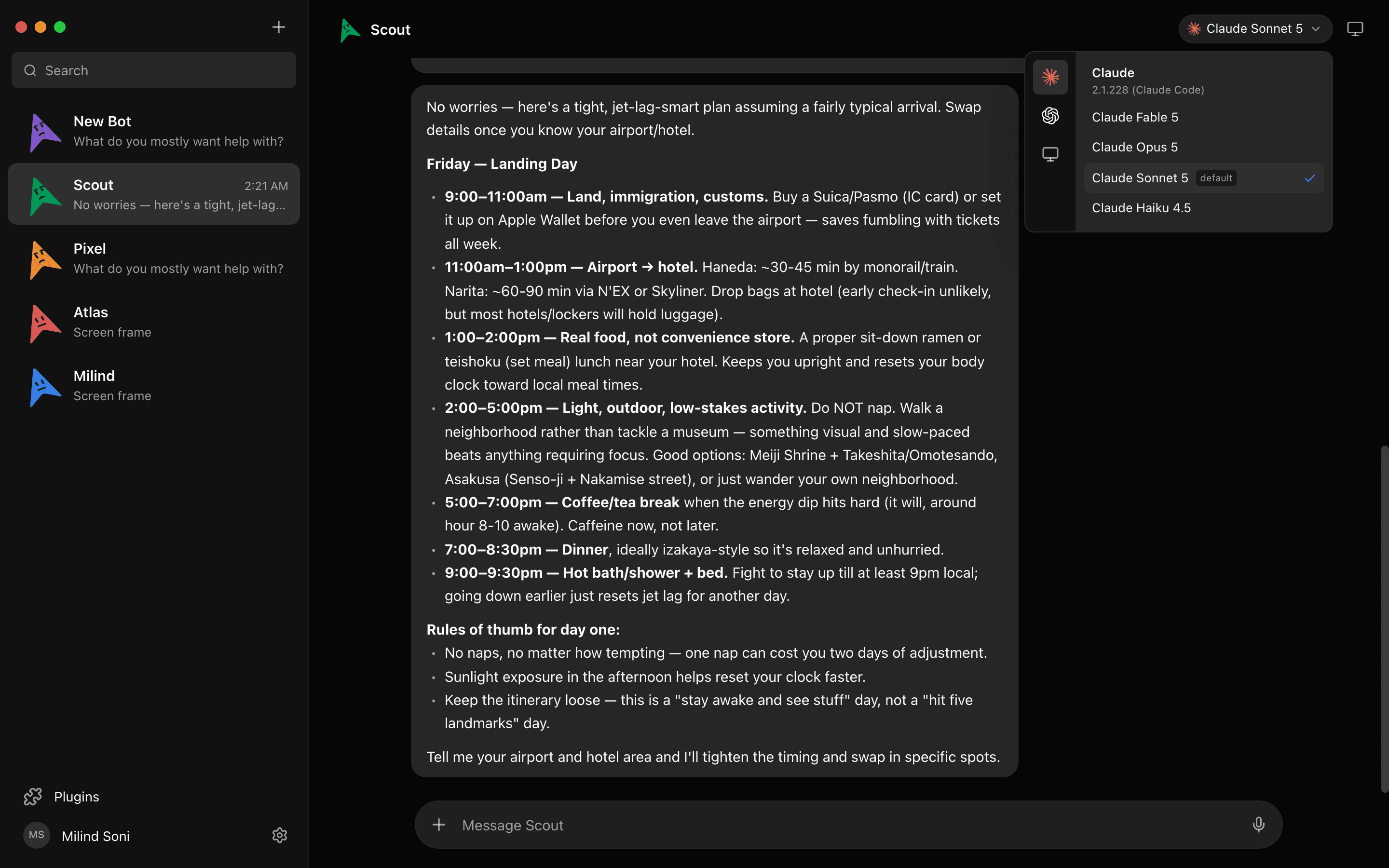
Maus is a chat app where every contact is a bot, and each bot gets its own computer. Open the Computer panel and choose: this machine, or a cloud desktop. The cloud desktop spins up from the panel with a live preview, and you can open it and take over at any point. Point the bot at your own Mac, PC, or Ubuntu box and it works in your browser with your sessions instead.

Approvals are the same on both. The permission broker sits between the bot and the computer, so a shell command on a cloud desktop and a file edit on your laptop both land as cards in the chat. The harness runs on 127.0.0.1 and keeps transcripts, keys, and the decision log in ~/.maus.
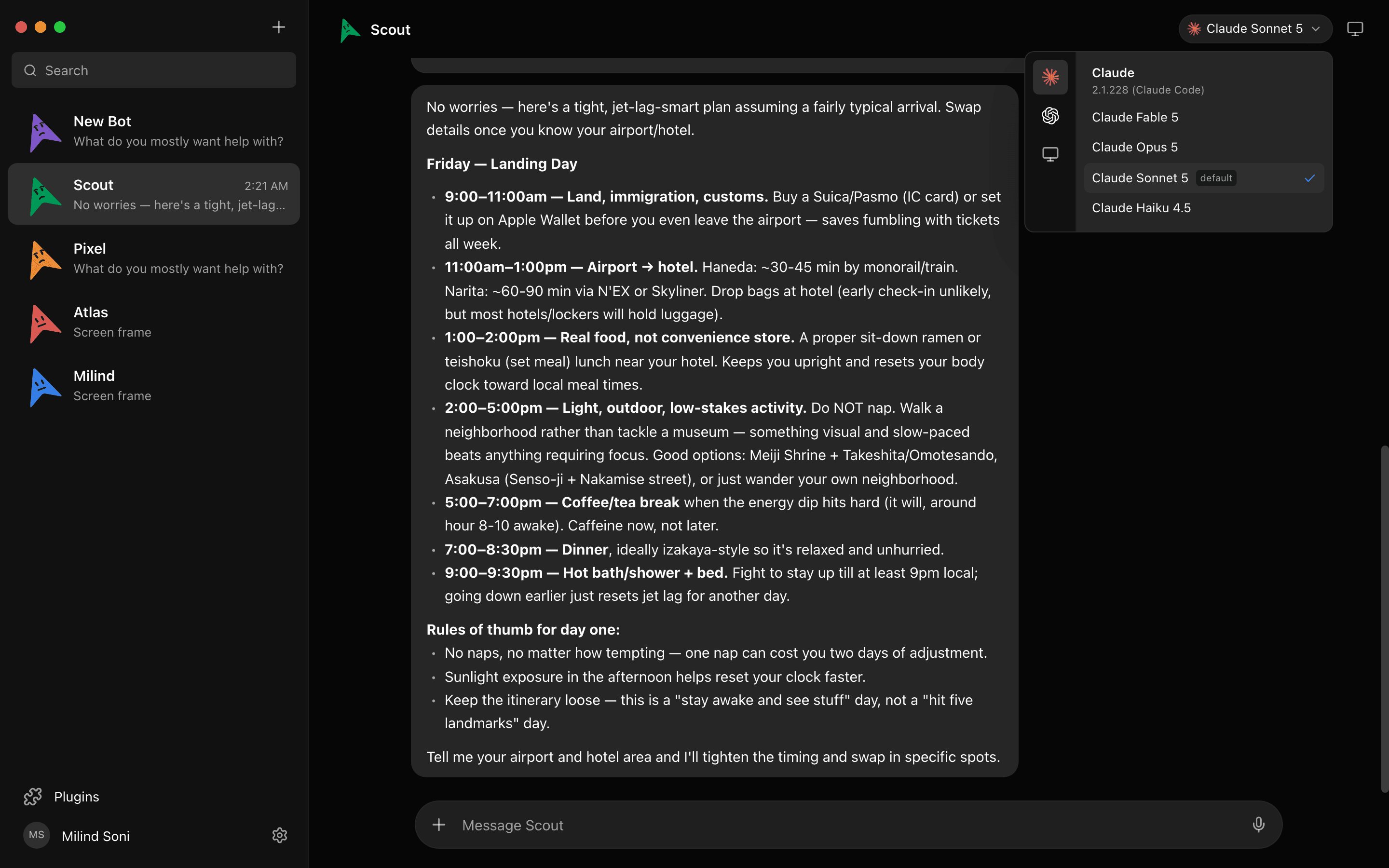
Two honest notes. On Ubuntu, local control needs Xorg; Wayland control is disabled. And a bot only keeps working with the laptop closed if it is on a cloud computer, so if overnight work is the job, put that bot on a Box.
A checklist before you give any agent your computer
- Does it ask before it runs a command or edits a file, by default, or is that a setting you have to find?
- Is there a decision log you can read afterwards, so you know what it did while you were away?
- Where does the transcript live: on your disk, or on a server that can be subpoenaed, breached, or used for training?
- Can you watch it work and take over mid-task, or is it a black box until it reports back?
- If it runs on your real machine, does it run as your user account with everything that implies, or in a scoped profile?
- What happens to a task if a web page tells the agent to do something else? Ask the vendor; if the answer is silence, that is the answer.
Frequently asked questions
- Can an AI agent control my Mac?
- Yes. OpenClaw v2.0 added Computer Use on paired Macs, Hermes runs on macOS, UI-TARS Desktop ships a Mac build, and Maus bots can control a Mac on Apple Silicon or Intel. Meta Muse's Mac app is the exception in name: the agent stays in Meta's cloud VM and reaches into Files, Mail, Messages, Calendar, and Notes with your opt-in.
- Can an AI agent control Windows?
- Yes. OpenClaw's Computer Use covers paired Windows machines, UI-TARS Desktop has a Windows build, Grok Bot can run commands on a Windows PC under its local-computer policy, and Maus ships a Windows x64 build with full computer control. Meta Muse has no Windows agent app.
- Is it safe to let an AI agent use my computer?
- It is as safe as the gate in front of it. An agent on your real machine runs as you. If a web page or an email it reads contains an instruction, a gated agent shows you that instruction as an approval card and you say no; an ungated agent just does it. Meta's own security post says prompt injection is unsolved. Pick an agent that asks, read its decision log, and give it a cloud desktop for anything that touches strangers' content.
- What is a computer-use sandbox?
- A computer the agent gets that is not yours: a Linux VM in someone's cloud (Muse Secure VM, Grok Bot's shared cloud computer, Instinct's persistent cloud computer, Maus's Box), or a container on your own machine (NanoClaw, Agent Zero). Nothing it breaks is on your laptop. The trade is that it does not have your cookies, your IP, or your files unless you put them there.
- Which open-source agent controls the computer?
- For your own machine with an approval gate: Maus (macOS, Windows, Ubuntu) and OpenClaw (once you switch approvals on). For GUI control without a gate: UI-TARS Desktop and Agent S. For a containerised Linux desktop: Agent Zero. For both a local machine and a cloud desktop, chosen per bot in the same app, Maus is the one we know of.
Get started
Download Maus for macOS, Windows, or Ubuntu, sign in with the Claude, Codex, or Grok CLI you already have, and give your first bot a computer. The app is free and Apache 2.0; the source is on . If you are weighing this against a hosted agent, read the Meta Muse comparison or the Instinct one.