· 6 min read · Maus Team and Maus Team
OpenClaw on a VPS or a Mac mini? There is a third option
Where to run OpenClaw: a cheap VPS, a Mac mini in a cupboard, or a managed host. What each costs and breaks, and the desktop-app route that needs none of them.
A VPS is cheaper and always on; a Mac mini is nearer your files and is the only way to get iMessage. Either way you become the sysadmin of an agent with shell access and a gateway you must keep private. The third option is not to host it at all: Maus runs on the computer you already own, asks before it acts, and moves to a server with one command only if you ever need always-on.
Option one: a VPS
The default answer. OpenClaw's VPS docs cover fourteen platforms, from Hostinger and OVHcloud VPS plans to Railway and Render. A $6 to $20 box is the usual pick. The path is Tailscale first, then lock down SSH, then onboard, then a systemd unit, then memory tuning. Hostinger's own cost article lists what you are signing up for: "Docker, SSH, ports, server configuration, monitoring, and recovery."
The thing that goes wrong is the gateway bind. Left at its default on a VPS it is reachable from the internet, which is how scanners found 17,500 exposed instances after CVE-2026-25253, and why managed hosts sell gateway lockdown as the first feature. If you go this way, the firewall is not optional.
Option two: a Mac mini
The romantic answer, and the right one if you need iMessage, which only works from a Mac. The agent sits next to your files and your network, nothing is public unless you open it, and there is no monthly bill. The cost is the mini itself and the upkeep: keeping it awake, keeping the gateway up, and the pattern users describe where it goes quiet until someone opens the Control UI. OpenClaw's gateway troubleshooting page is where those evenings end up.
Reaching it from your phone still means Tailscale or a tunnel, plus your home router. It is a VPS with a nicer case and one more hop.
Option two and a half: pay someone
Managed OpenClaw hosts start at $5.99 a month and take the sysadmin job off you. We compared nine of them in Managed OpenClaw hosting compared. Read the renewal price and where the dashboard listens before you pay.
Option three: do not host it
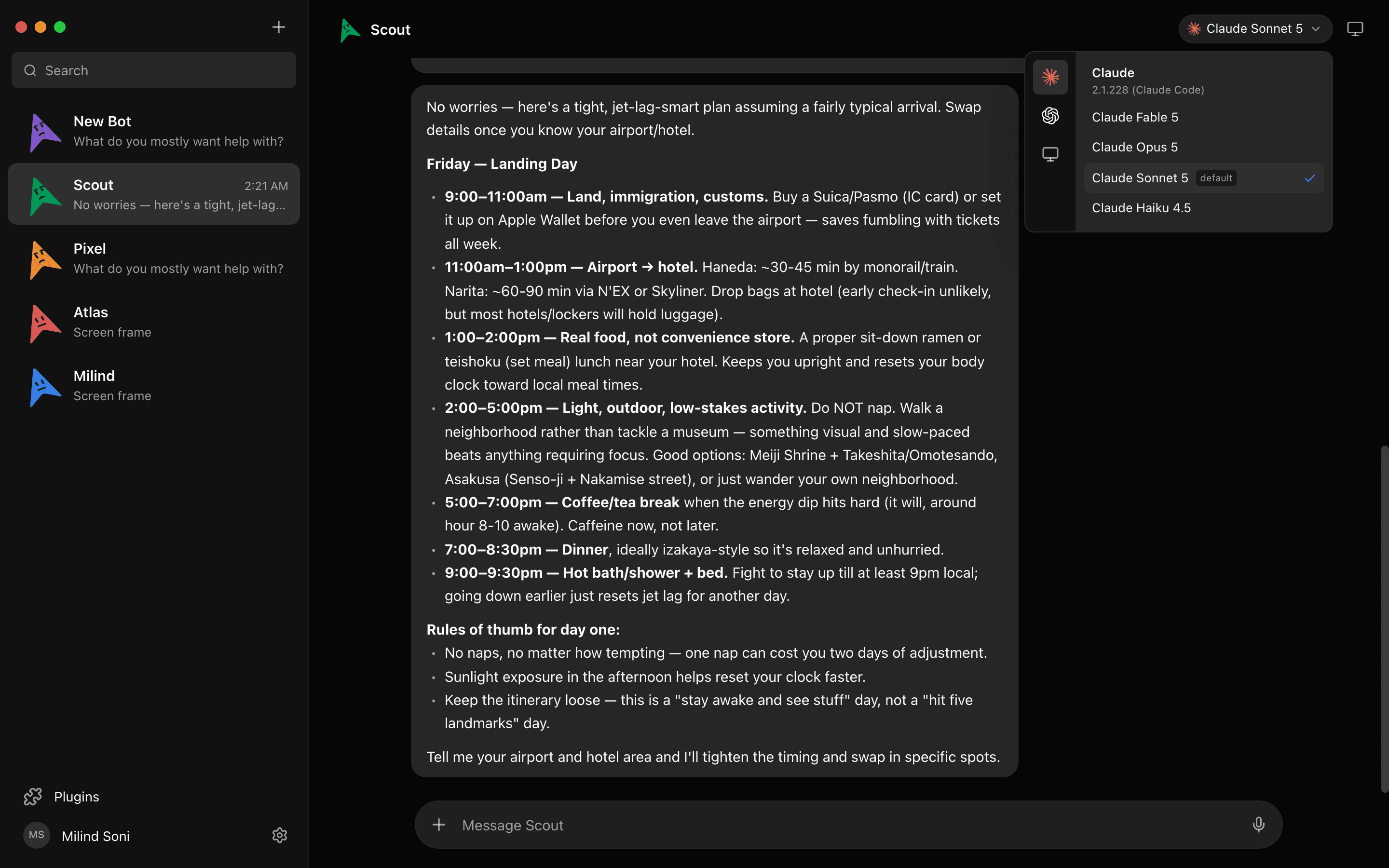
All three options exist because OpenClaw has to live on a server to be useful. Maus starts from the other end. It is a desktop chat app where every contact is a bot with its own model and its own computer. Bots run on the claude, codex, or grok CLI already installed on your Mac, PC, or Ubuntu machine, with your existing subscription. The harness listens on 127.0.0.1 and nowhere else, and your data stays in ~/.maus. Free, Apache 2.0.
The difference that matters on any host
OpenClaw's exec approvals default to full on gateway hosts: shell commands run without a prompt unless you switch the mode. That is true on a VPS, on a Mac mini, and on a managed host. Maus defaults the other way. Every shell command, file edit, and question surfaces as a card in the chat, and nothing runs until you answer.
Always-on, per bot
The honest case for a server is that a closed laptop runs nothing. Maus answers that per bot instead of per install: open the Computer panel and that bot gets a cloud desktop with a live preview, and it keeps working with your laptop shut. The bots that only need your machine stay on your machine.

And if you want the server anyway
npx maus serve runs the whole thing headless on a Linux box or a Mac mini: engines, chats, rooms, routines, connected apps, and cloud computers. Three ways in, and only your own domain needs a port open: a managed Cloudflare tunnel at a c-….maus.com address, your own domain with Caddy handling the certificate, or Tailscale. The server trusts loopback only; every other route requires a device paired once with a short code. There is no gateway password to brute-force because there is no password.
Side by side
| OpenClaw on a VPS | OpenClaw on a Mac mini | Maus on your computer | |
|---|---|---|---|
| Upfront cost | None | The Mac mini | None; the computer you already own |
| Monthly cost | $6 to $20 for the box, plus tokens | Electricity, plus tokens | Tokens only, on the subscriptions you already have |
| Always on | Yes | Yes, if it stays awake and the gateway stays up | Per bot: a cloud desktop keeps working with the laptop closed; local bots do not |
| Exposed to the internet | Yes by default; you must bind and firewall the gateway | Only if you open it up | No. The harness listens on 127.0.0.1 only |
| Reach it from your phone | Through Tailscale or a tunnel you set up | Same, plus a router to get through | iOS and Android companions pair with a short code |
| Setup | Tailscale, SSH lockdown, onboard, systemd, memory tuning | macOS install, keeping the gateway awake | Download, sign in with your CLI, meet a bot |
| Runs your local files and apps | No, the agent is on the server | Yes, on the mini | Yes, on the machine in front of you |
| Before a shell command runs | Nothing, unless you change exec mode from full | Same | An Allow / Deny card, every time |
| Chat-app channels (WhatsApp, iMessage) | Yes | Yes, and iMessage only works on a Mac | No; its own app |
Which one should you choose?
VPS if you want OpenClaw on WhatsApp or Telegram all day for the price of a coffee and you are comfortable with Tailscale and a firewall. Mac mini if you need iMessage or want the agent beside your files and already own the hardware. Managed host if you want OpenClaw and none of the above.
Maus if you want an agent today with nothing to host, want it to ask before it runs anything, want more than one bot on more than one model, and would rather add a server later than start with one. Our OpenClaw alternative post has the full feature comparison.
Frequently asked questions
- Is a VPS or a Mac mini better for OpenClaw?
- A VPS if you want it cheap, always on, and reachable from anywhere without touching your home network; expect to spend an evening on Tailscale, SSH, and systemd, and to check the gateway bind. A Mac mini if you need iMessage, want the agent near your files, or already own one. Both need you to be the sysadmin.
- How much RAM does OpenClaw need on a VPS?
- OpenClaw's own VPS docs list plans from 14 platforms and recommend disabling the respawn loop on low-power hosts. Out-of-memory kills from cron concurrency and memory indexing are a common complaint on the smallest tiers. Check the docs for the current numbers before you buy.
- Can I run OpenClaw on a Mac mini and reach it from my phone?
- Yes, through Tailscale or a tunnel, the same as a VPS, plus whatever your home router needs. Users report the gateway going quiet on a Mac mini until they open the Control UI, so plan for keeping it awake and restarting the gateway.
- Does Maus need a server at all?
- No. The desktop app runs on macOS, Windows, or Ubuntu with nothing listening on a public port. If you later want the team always on, npx maus serve runs the same thing on a Linux box with a managed tunnel, your own domain, or Tailscale, and devices pair with a code.
- Is Maus a fork of OpenClaw?
- No. It is an independent Apache 2.0 project with a different shape: a chat app of bots, each with its own model, computer, and approval gate, on the Claude, Codex, and Grok CLIs you already use. It does not run OpenClaw skills or channels.
Get started in two minutes
No server, no signup, no card. Download for macOS, Windows, or Ubuntu, sign in with the CLIs you already have, and meet your first bot. Or read the source on first. Everything on the features list is free, forever.