· 9 min read · Maus Team and Maus Team
Claude Code desktop app: the official GUI and 6 more
There is an official Claude Code desktop app now. What the Code tab does, six GUIs that cover other jobs, and how to run Claude Code as a background agent.
There is an official Claude Code desktop app now. It is the Code tab in the Claude Desktop app, on macOS, Windows, and Linux beta. Six other GUIs cover jobs the official one does not: switching providers, browsing sessions, running from a phone, managing parallel worktrees. Maus is the one that turns Claude Code into a chat-app bot, with an approval card before every command and routines that run on a schedule.
The official Claude Code GUI
Until the Code tab arrived, "Claude Code desktop app" was a search with no good answer. That changed with the Code tab in the Claude Desktop app, which sits beside Chat and Cowork. According to the desktop docs, it gives you:
- Parallel sessions, each in an automatically created git worktree, so two tasks on one repo do not step on each other.
- A diff pane, a browser pane, and a terminal in the same window.
- Permission modes: Manual, Accept edits, Plan, Auto, and Bypass. This is the dial between "ask me every time" and "just do it".
- Pull request monitoring, connectors, and computer use on Mac and Windows for Pro and Max plans.
- Sessions that run locally, in the cloud (and keep going after you close the app), over SSH, or inside WSL.
Platforms: macOS, Windows on x64 and ARM64, and Linux in beta since June 30, 2026. Plans: Pro at $20, Max at $100 or $200, Team, Enterprise, or API billing. Around it sit the web version at claude.ai/code, Dispatch for remote control from a phone since March 17, 2026, a VS Code extension, and a JetBrains plugin.
If your question is "how do I use Claude Code without a terminal", this is the answer, and it is free with the plan you already have. The rest of this post is for the jobs it does not do.
CC Switch
CC Switch is the most-starred third-party tool in this space, at 134,000 stars. It is a Tauri desktop app that does one job well: switch providers and accounts, sync MCP servers and skills across tools, and show a usage dashboard. It covers Claude Code, Codex, Gemini CLI, OpenCode, OpenClaw, and Hermes. It does not host your coding sessions; you still run those in the terminal or the Code tab.
Platforms: macOS, Windows, Linux. License: MIT. Price: free.
opcode
opcode, formerly Claudia, is a Tauri app with 22,400 stars that wraps the Claude Code CLI in a project and session browser. It adds background agents, usage analytics, an MCP manager, and checkpoints you can roll back to. If you liked the terminal but wanted a sidebar of your past sessions and a usage meter, this is it.
Platforms: macOS 11+, Windows 10+, Linux. License: AGPL-3.0. Price: free.
Claude Code UI / CloudCLI
Claude Code UI from siteboon, 13,800 stars, is a web and mobile UI for Claude Code, Cursor CLI, and Codex. You run it on the machine that has the CLIs and open it from any browser, including your phone. The hosted version is called CloudCLI. It is the right pick when the job is "check on my agent from the sofa".
Platforms: any browser. License: AGPL-3.0. Price: free to self-host; hosted from EUR 7 a month.
Nimbalyst
Nimbalyst turns parallel sessions into a kanban board. Each card is a session in its own worktree, with diff review and editors built in, and an iOS and Android companion for watching progress. It has 1,800 stars and is the successor to Crystal, which was deprecated in February 2026 in its favour.
Platforms: macOS, Windows, Linux. License: MIT. Price: free for individuals.
Conductor
Conductor from Melty Labs runs parallel worktrees for Claude Code, Codex, Cursor, and OpenCode. It is polished and free, and it is Mac only, on Apple Silicon only, and closed source. If you are on a Mac and want the worktree workflow without the official app, it is the popular choice.
Platforms: macOS, Apple Silicon. License: closed source. Price: free.
Maus
Maus is not a Claude Code GUI for coding sessions with diffs. It is a chat app, Telegram in shape, where every contact is a bot and each bot runs on the claude CLI already installed on your machine, with your existing login. Codex and Grok work the same way. You talk to the bot; it does the work; anything risky comes back to you as a card.
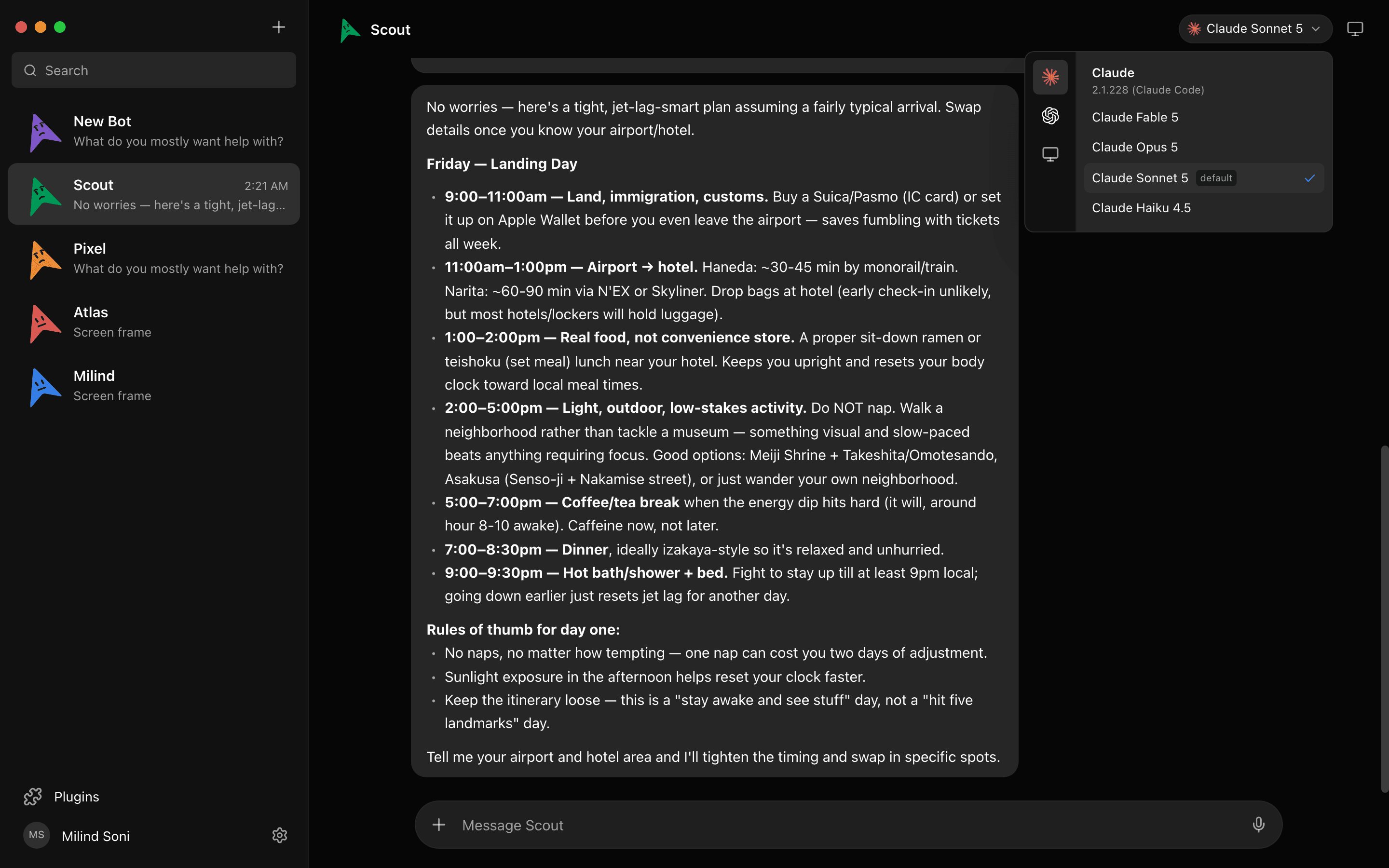
Approval cards instead of permission modes
Shell commands, file edits, and questions surface as Allow / Deny / answer cards in the chat, before the action runs. The same gate applies whether the bot controls your own machine or a cloud desktop it spun up, and every decision goes into a log.
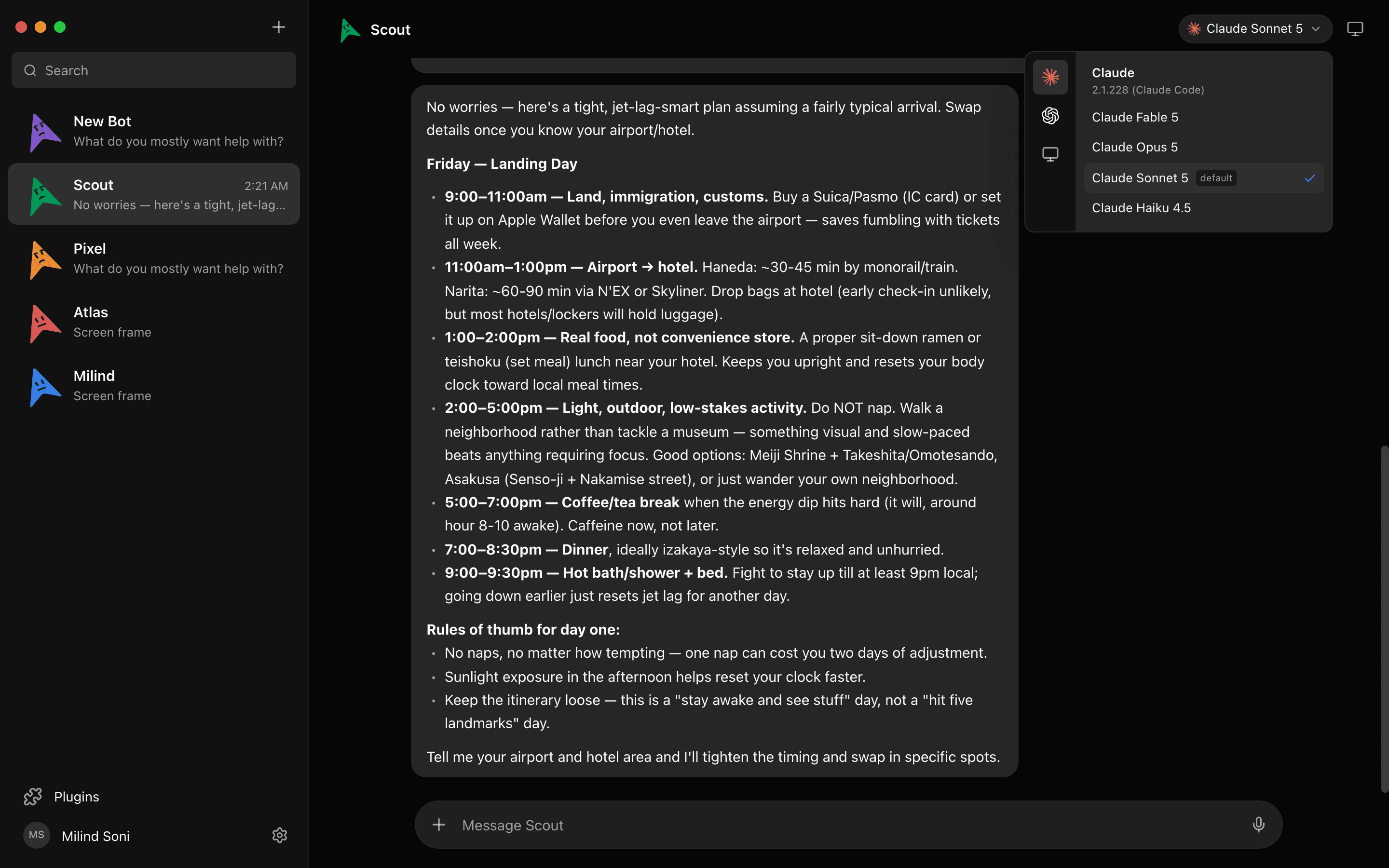
Call the bot
Press the speaker on any reply or call a bot and talk. It narrates what it is doing and asks for approvals out loud. Bring your own ElevenLabs key.
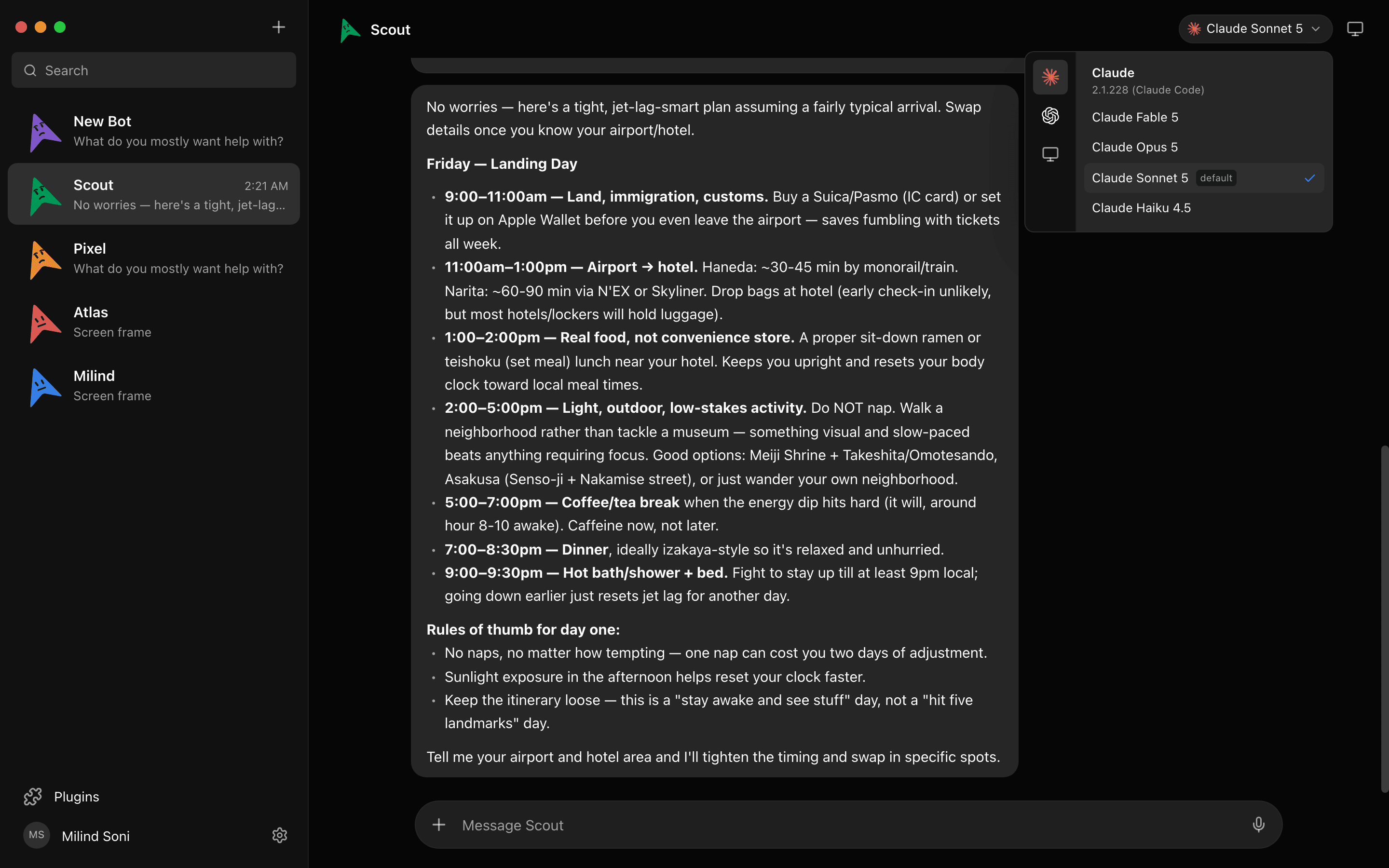
Platforms: macOS (Apple Silicon and Intel), Windows x64, Ubuntu; iOS and Android companions. License: Apache 2.0. Price: free; you pay your model providers. Stars: about 3,200.
Here is a live simulation of four bots working in parallel:
A simulation. Pick a bot, or type to it. The replies are scripted; the real thing runs on your own machine.
All seven side by side
| Tool | Job | Platforms | License | Price | Stars |
|---|---|---|---|---|---|
| Claude Desktop, Code tab | The official GUI: parallel sessions, diffs, browser, terminal, permission modes | macOS, Windows x64 and ARM64, Linux beta | Closed source | Included with Pro, Max, Team, Enterprise, or API | n/a |
| CC Switch | Switch providers, sync MCP servers and skills, watch usage across Claude Code, Codex, Gemini CLI, and others | macOS, Windows, Linux | MIT | Free | 134k |
| opcode | Browse projects and sessions, run background agents, usage analytics, MCP manager, checkpoints | macOS 11+, Windows 10+, Linux | AGPL-3.0 | Free | 22.4k |
| Claude Code UI / CloudCLI | A web and mobile UI for Claude Code, Cursor CLI, and Codex | Any browser; self-hosted or hosted | AGPL-3.0 | Free to self-host; hosted from EUR 7/mo | 13.8k |
| Nimbalyst | Kanban of parallel sessions in worktrees, diff review, editors, phone companion | macOS, Windows, Linux; iOS and Android companion | MIT | Free for individuals | @tryMaus |
| Conductor | Parallel worktrees for Claude Code, Codex, Cursor, and OpenCode | macOS, Apple Silicon only | Closed source | Free | n/a |
| Maus | A chat app where bots run on the claude CLI with approval cards, routines, and connected apps | macOS, Windows x64, Ubuntu; iOS and Android companions | Apache 2.0 | Free | ~3.2k |
GUI vs terminal: when each wins
The terminal wins when you are in one repo, on one task, and you already know the commands. It starts faster, it composes with everything else in your shell, and every GUI here is a wrapper around it anyway.
A GUI wins when you have more than one session going. Parallel worktrees are hard to keep straight in tabs, diff review is easier in a pane than in a pager, and a permission mode you can see is a permission mode you will actually change. A GUI also wins when the person using Claude Code is not the person who set it up.
A chat app wins when the job is not code. If you want to send "file the expense report and tell me when it is done" from your phone and get a yes/no card back, neither a terminal nor a diff pane is the right shape. That is the job Maus is built for, and we explain the reasoning in why a chat app and not an IDE.
Running Claude Code as an agent in the background
Anthropic gives you three official ways to run Claude Code without a person at the keyboard.
- Headless mode.
claude -p "your prompt"runs one turn and exits. Add--permission-modeto set the gate,--output-format jsonto parse the result, and--barein CI. The headless docs cover the flags. - The Claude Agent SDK in Python and TypeScript, for building your own harness around the same engine.
- Scheduling. Cloud Routines from
/schedule, with a one-hour minimum and no local file access; scheduled tasks in the desktop app for local work; and/loopinside a session. See the scheduled tasks docs.
How Maus does it
Maus is a harness on top of the same claude CLI. A bot is a long-lived agent with its own model, memory, connected apps, and computer. Routines run a bot on a schedule or from a webhook. When the bot needs to run a command, edit a file, or ask a question, the request lands in the chat as an approval card, so a background agent never becomes an unattended one. Bots can also work in group rooms and hand tasks to each other, with a peer-comms card that controls who talks to whom.
If you want the same bot to switch engines, it can: we ran the claude and codex CLIs side by side in one app and wrote up what differs.
Frequently asked questions
- Is there an official Claude Code desktop app?
- Yes. The Claude Desktop app has Chat, Cowork, and Code tabs. The Code tab is Claude Code with a GUI: parallel sessions in automatic git worktrees, a diff pane, a browser pane, a terminal, and permission modes. Details are in the desktop docs.
- Does Claude Code work on Windows and Linux?
- Yes. The desktop app ships for Windows on x64 and ARM64, and a Linux build has been in beta since June 30, 2026. The Code tab can also drive sessions over SSH and inside WSL. Of the third-party GUIs, CC Switch, opcode, and Nimbalyst run on all three desktop platforms; Conductor is Mac only; Claude Code UI runs in any browser. Maus ships for macOS, Windows x64, and Ubuntu.
- Do the GUIs need a separate subscription?
- Mostly no. The official Code tab is included with Pro ($20), Max ($100 or $200), Team, and Enterprise plans, or you can pay by API usage. CC Switch, opcode, and Conductor are free wrappers around the CLI you already have; Nimbalyst is free for individuals. Claude Code UI is free to self-host, with a hosted tier from EUR 7 a month. Maus is free and uses the claude CLI login already on your machine.
- Can I run Claude Code on a schedule?
- Yes, three ways from Anthropic and one from Maus. Cloud Routines run from
/schedulewith a one-hour minimum and no access to local files. The desktop app has local scheduled tasks. Inside a session,/looprepeats a prompt. See the scheduled tasks docs. In Maus, a routine runs a bot on a schedule or from a webhook, and anything risky it tries still comes back to you as an approval card. - What is the difference between Claude Code and Claude Cowork?
- Claude Code is for repositories: it edits code, runs commands, and opens pull requests, from a terminal, an IDE, or the Code tab. Cowork was Anthropic's version for everything else: folders of documents, spreadsheets, slides, and web research, in a sandboxed Linux VM. On September 16, 2026 Cowork was merged into a single Claude experience, so the app now picks the mode. Both use the same paid plans.
Get started in two minutes
If you want the official GUI, download the Claude Desktop app and open the Code tab. If you want Claude Code as a bot you can message, download Maus for macOS, Windows, or Ubuntu, sign in with the claude CLI you already have, and meet your first bot. Or read the source on first. Everything on the features list is free; you pay your model providers, not us.